
AI · Advice for Small Businesses
Your Next Software Might Just Be an Excel File
AI is making apps faster and cheaper to build. But before you build anything, you need to understand the problem. For a small business, a shared spreadsheet, a form or an automation is sometimes all it takes. The real work is choosing a tool that fits the need — and recognizing when custom software is worth it.
DexavisionOctober 20, 20266 min read
Your Next Software Might Just Be an Excel File
A client comes in with a request: "We'd like an app to manage this." They've already pictured the screens, the buttons, maybe even the logo. But when we look at the problem, a shared file and two clear rules would do the job.
Do we build them the app anyway?
With AI, the temptation is stronger than ever. It won't take long. It'll look professional. And that's exactly when we need to slow down.
The problem before the screen.
An app to fix what, exactly?
"We need software" describes a solution. It doesn't yet say what problem needs solving.
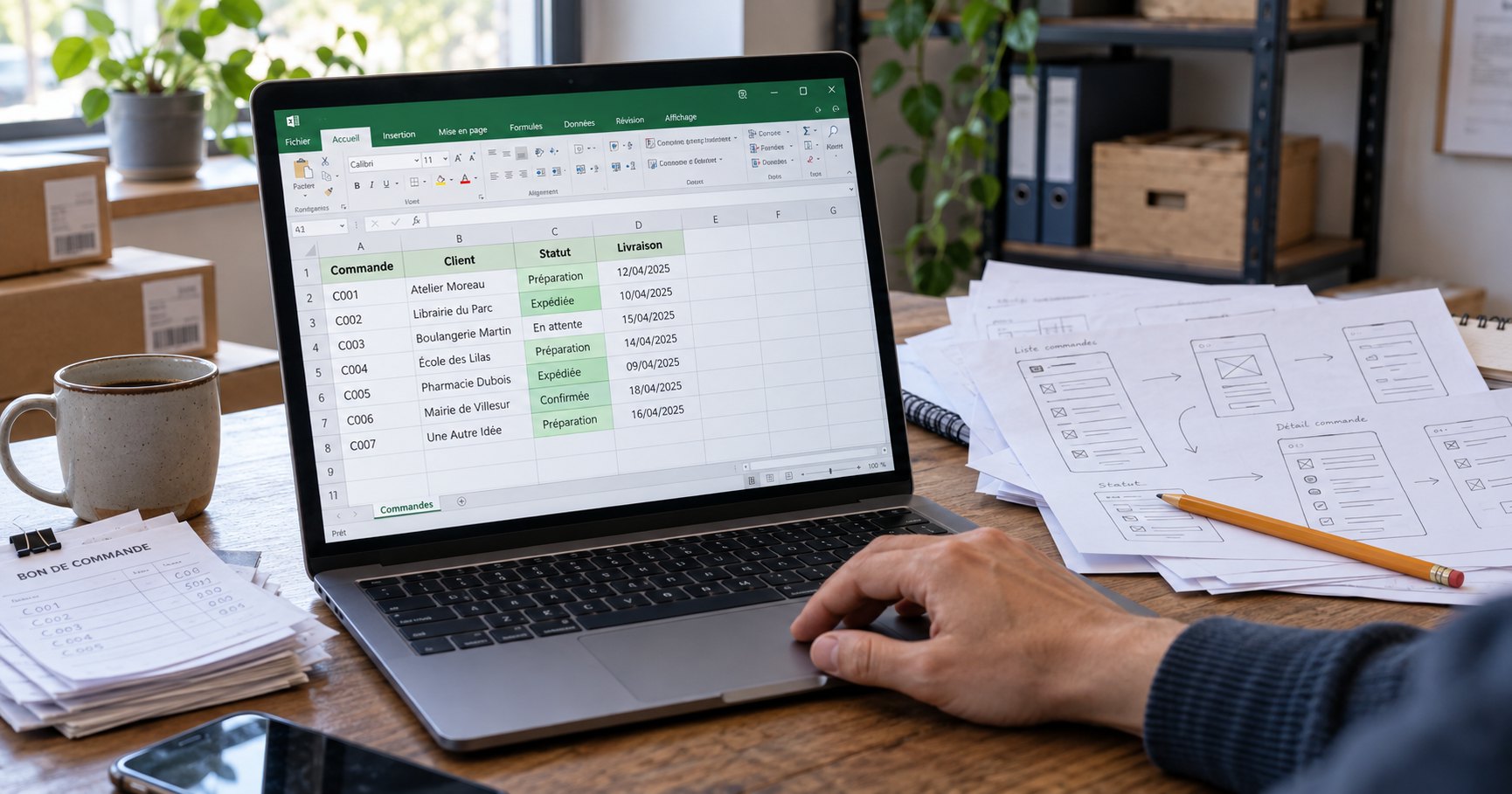
Take a small business that wants an order-tracking tool. Right now, requests come in by email, someone copies them into a spreadsheet, and then the team emails back and forth to find out where things stand. Some orders fall behind. The owner wants an app.
Maybe they're right. But before sketching a single screen, we need to understand what's causing the delays.
Are requests getting lost? Is information missing before the work can start? Does nobody know who's supposed to do the next follow-up?
From a distance, these three problems can look alike. They don't necessarily call for the same solution.
A form could solve the first. Required fields, the second. A "Person responsible" column and a working rule, the third.
The app may come later. For now, we haven't established why it would be needed.
Decide before you automate.
A fuzzy process with a nice interface
Picture a team where every employee has their own definition of an "urgent" order.
You can add a red button in an app. You can send a notification, make a row flash and generate a report every Monday morning. Mostly, you'll have made the disagreement more visible.
You'll still have to answer the same question: what deserves to go ahead of everything else?
That decision belongs to the business. Software can enforce it, but someone has to make it.
The same goes for approvals, exceptions and responsibilities. Who can grant a discount? Who covers for someone who's away? When is a file considered closed?
These are ordinary questions. Yet they make up a good part of the work needed to build a useful tool.
Automating an ambiguity just gives it the means to repeat itself faster.
Before investing in an app, it's worth getting the process working on a small scale. A handful of real cases is sometimes enough to reveal a pointless step, a missing piece of information or an exception you'd have discovered at a much higher cost after development.
A lasting commitment.
The cost doesn't stop at delivery
In my previous article, I talked about what happens when writing code becomes almost free: we produce more of it, and every addition is something else to understand and maintain.
For a small business, that translates into something very concrete.
An app needs someone to manage access. Someone has to know what to do when data is wrong. The tool has to be explained to new employees, the rules have to be adapted as the business changes, and the information has to stay available.
Even a small app ends up getting small requests.
"Can we add a status?"
"Can Julie see only her team's files?"
"Can we get back the value from before the change?"
Each one may be perfectly reasonable. Together, they're a reminder that software is a commitment that continues after it goes live.
An Excel file has its own costs and limits, too. It can become fragile, confusing and dependent on a single person. But for a simple, well-defined need, it can be a much easier commitment to take on.
One constraint at a time.
Choose the smallest tool that does the job
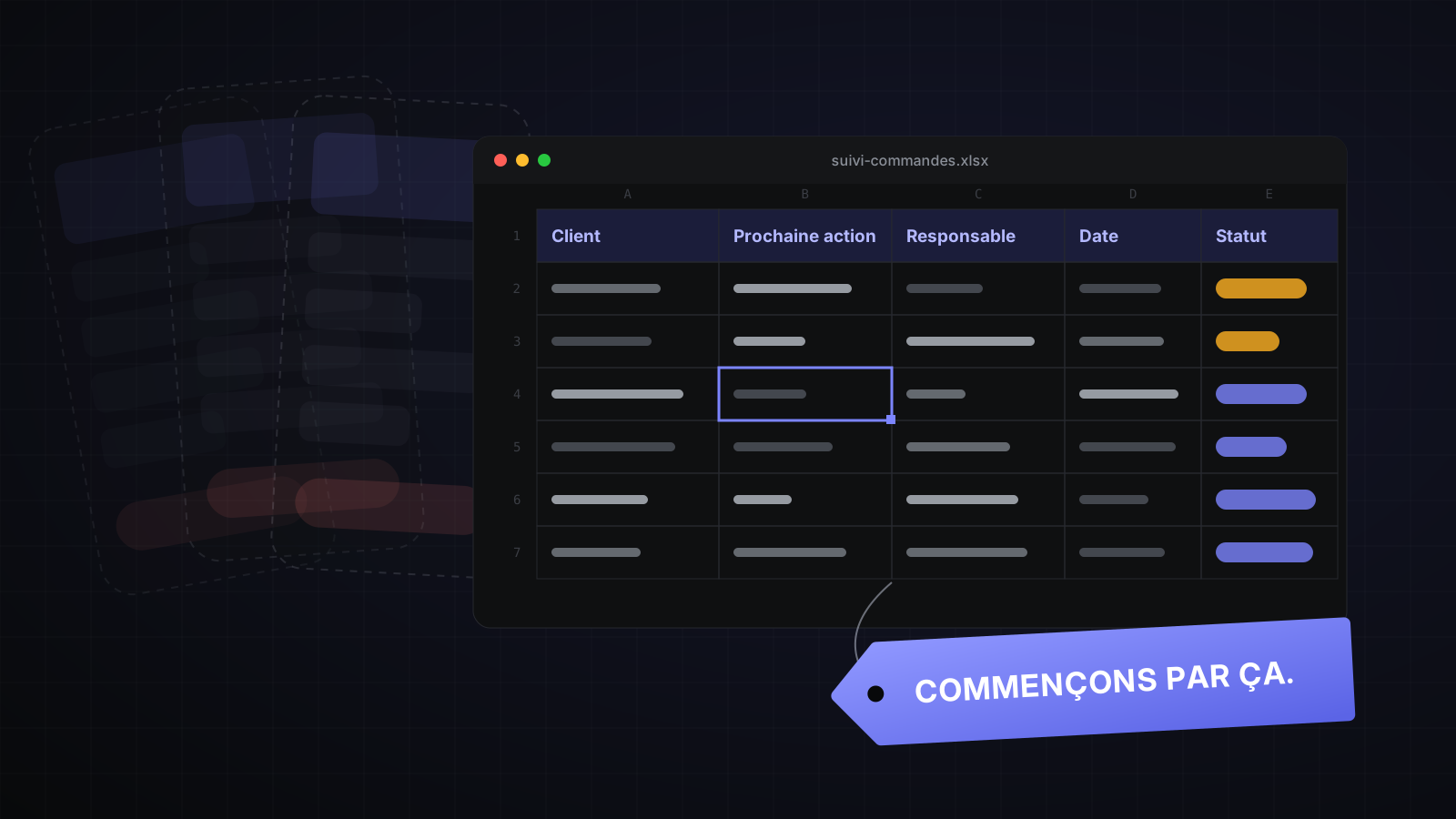
Let's say a team of four needs to track about twenty requests a month. They want to know the client, the next action, the person responsible and the due date.
A shared spreadsheet could do the job just fine.
If the problem is instead that requests come in incomplete, a form linked to the spreadsheet could be the next step.
If someone then spends an hour every Friday copying the same information into an email, a targeted automation could eliminate that task.
You can move forward this way, one constraint at a time.
| The observed need | A first response to consider |
|---|---|
| Finding information in one place | A shared spreadsheet |
| Receiving complete requests | A form |
| Avoiding a repetitive manual task | An automation |
| Managing complex business rules and access | Existing software or a custom application |
This table is meant to open the discussion. Volume doesn't decide everything: even a small team can have confidentiality, traceability or reliability requirements that go beyond what a shared file can properly handle.
The right tool has to be simple enough to be adopted and solid enough for the consequences of a mistake.
Watch for workarounds.
When Excel starts costing too much
Sometimes a spreadsheet also stays in use well past its expiry date.
You can tell by the workarounds.
Someone merges the copies every week. Columns are duplicated to handle exceptions. Numbers get checked by hand because nobody dares touch the formulas. A hidden sheet serves as a database. And everyone calls the same person when something breaks.
At that point, the file works thanks to human effort that has become invisible.
That effort is what you need to look at. How much time is spent reconciling data? Which errors keep coming back? Which tasks are waiting because only one person knows how to do them?
Those answers give you a concrete basis for evaluating a replacement.
An existing tool may fit. A custom application can also become worthwhile, especially when the company's own rules force people to pile up workarounds elsewhere.
You then know what you're trying to improve. And you have real cases to confirm that the new tool does better.
A demo isn't a system.
A prototype can help you decide
AI makes quick prototypes especially appealing.
You can show a user flow, test an idea with the people involved and discover that half the screens you imagined are useless. Or find out that a very simple tool would make a big difference.
If the prototype helps you make a better decision, it has already done its job.
It isn't automatically meant to become the company's official system. As soon as a team starts relying on it, expectations change: reliability, access, backups, support.
Crossing that line has to be a conscious choice. A demo that works on a Tuesday afternoon doesn't answer every question that comes up the following Monday morning.
Sometimes, a spreadsheet is enough.
Advice is part of the job
For a software development company, recommending an Excel file may seem odd.
Yet if it's the right answer for the need, it's useful advice. The client saves time, their team adopts the solution more easily, and we avoid adding a system that someone will have to administer.
If the need evolves, we can build on what we've learned. The rules will be clearer. The pain points will be observable. The project will have a specific reason to exist.
Lower development costs give us more options. That makes the judgment needed to choose between them all the more valuable.
Sometimes, our job is to deliver an app.
Sometimes, it's to open a spreadsheet, clearly name five columns and say: "Let's start with this."